Why Is My Website Slow? How to Find the Cause Before You Pay Anyone
A slow website usually has one or two causes, and you can narrow it down with a few simple checks on your own phone. What to look at first, how to tell the causes apart, and which fixes you can do yourself.
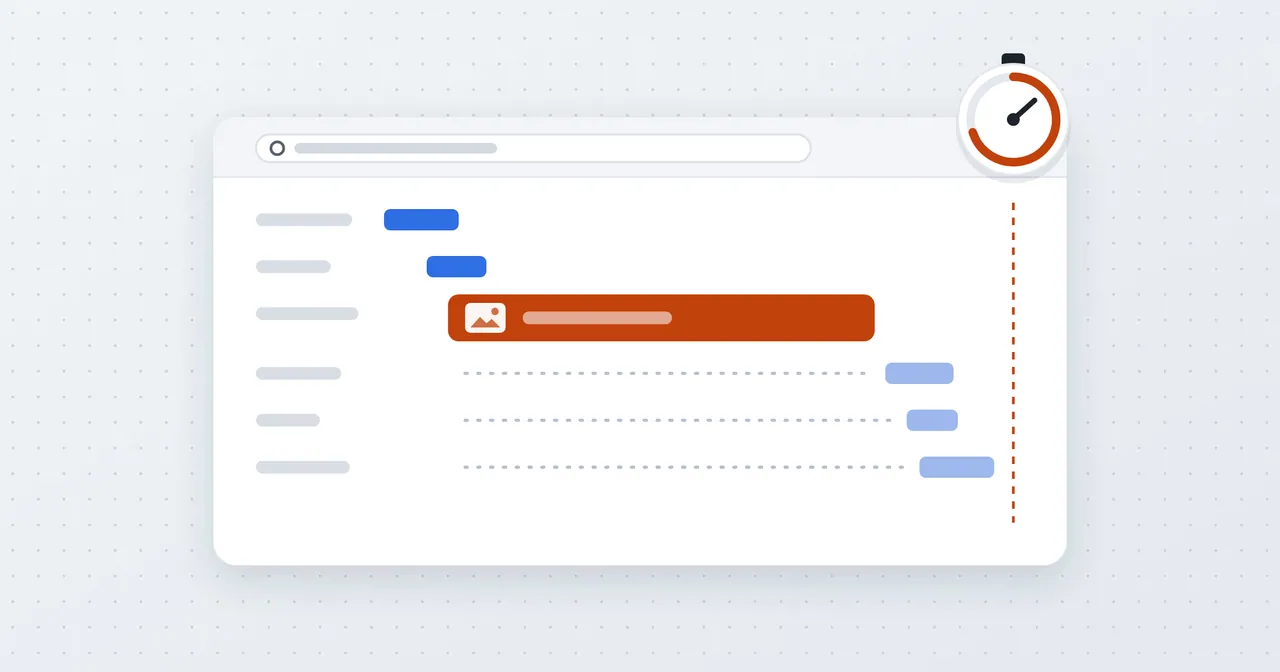
Most people find out their website is slow by accident. A customer mentions it, or you pull the site up at a job site and watch it crawl, or you're showing it to someone and start apologizing for it.
The good news is that "slow" usually isn't a mystery. A site is almost always slow for one or two specific reasons, and you can narrow them down in about fifteen minutes with nothing but your phone. If you want a head start, you can see your PageSpeed scores and top fixes for free, and then use this post to make sense of what you find.
First, make sure it's actually slow
Before you chase anything, check whether the problem is your site or your situation.
Load the site on your phone on cellular data, with Wi-Fi turned off. Then load it on your computer. Then ask someone in a different building to try it. If it's slow everywhere, the site is the problem. If it's only slow on one device or in one spot, you're probably looking at a bad connection, an old phone, or a browser full of extensions. That isn't something to fix on the website.
Also try it twice in a row. That's the next check.
Check 1: Is the first visit slower than the second?
Open the site in a private window so nothing is saved yet, and note how long it takes. Then, in that same window, click into the address bar and press Enter to load the page again. The second load can reuse what the browser just saved.
Your browser saves parts of a site after the first visit, so repeat loads are normally faster. If the first load is painful and the second is fine, the site is sending too much stuff, usually big images or a pile of scripts. Most of your visitors are first-timers, so the first load is the one that counts.
If both loads are equally slow, even with the browser reusing what it saved, the delay is before the page even starts arriving. That points to the server.
Check 2: Does it start fast and then fill in?
Watch what happens during the load. The pattern tells you a lot:
- Blank white screen for several seconds, then everything appears at once. The server is slow to respond, or something heavy is blocking the page from showing. Hosting and scripts are the suspects.
- Text shows up quickly, then images pop in one at a time. Your images are too big. This is the most common cause on small business sites.
- Everything looks fine, then the page jumps around as things load. Not exactly slow, but irritating. It's usually images without set dimensions, or a banner or chat bubble that loads late. PageSpeed reports call it "layout shift."
- The page looks done but taps don't do anything for a second or two. Too much JavaScript. Often it's a page builder, several plugins, and a few tracking tools all running at once.
Check 3: Did it get slower over time?
If the site was fine a year ago and isn't now, something changed. Think back. Did you add a chat widget, a review feed, a booking tool, or a new set of photos? Did anyone install a plugin? Each one is a small cost, and a handful of them add up. A site that gradually got heavier is the easiest kind to fix, because you can undo the thing that did it.
The usual causes, and who fixes them
Here they are in the order I'd check them, with a rough guide to who should do the work.
1. Oversized images (you can usually do this yourself). A photo straight off a phone can be several megabytes, and it gets downloaded in full even if it's displayed the size of a postage stamp. Resize photos to roughly the size they're shown, and save them as JPEG or WebP before uploading. Free tools like Squoosh do this in the browser. If your site runs on WordPress, a compression plugin can handle the existing library. This is the most common fix and the one I'd try first.
2. Too many third-party add-ons (you can often do this yourself). Make a list of everything on the site that comes from somewhere else: chat widgets, popups, embedded maps, social feeds, tracking tools, review badges. Ask of each one whether it's earning its keep. Anything you've forgotten about is a candidate for removal. If it's a tool you need, a developer can usually make it load after the main page instead of before.
3. A heavy page builder or theme (usually needs a developer). Drag-and-drop builders load a lot of code for features a given page never uses. You can sometimes improve things by switching off unused modules or plugins, but if the whole site is built on something bloated, the real fix is a rebuild or a lighter theme. That's a bigger job, and I'd rather tell you so now than have you spend a month tweaking settings.
4. Cheap or overloaded hosting (a switch you can make, though migration is easier with help). If the screen stays blank for a couple of seconds before anything starts, and it's slow even on the second load, look at where the site is hosted. Bargain shared plans put your site on a server with a lot of others, and it shows. Moving to better hosting can help a lot, but moving a live site has some risk of breaking email or forms, so this is a good place to ask for help.
5. No caching or compression (needs a developer, or a plugin on WordPress). These are server settings that let browsers reuse files and receive smaller ones. They're invisible to you and cheap to turn on, but most people don't know to ask.
What about the Google score?
Once you've done the checks, a tool like PageSpeed Insights helps confirm what you suspect, because it names the specific files and images that cost you the most time. I wrote about what those numbers mean, and why a few points of difference between runs is normal, in why your website's Lighthouse score costs you customers. If you want the step-by-step fixes for each item the report flags, how to improve your PageSpeed score goes through them one at a time.
Don't pay for a rebuild until you know which one you have
I'd be wary of anyone who looks at a slow site and says "you need a new website" before they've told you why it's slow. Sometimes that's true. More often one oversized homepage image and two forgotten plugins are doing most of the damage, and an afternoon fixes it.
When you're ready for a clear read on yours, run your site through our free website audit. You'll get your scores and the top fixes in plain English. And if it turns out the site is slow because of how it was built, that's something we handle as part of website development.
Nathan