Why Your Website's Lighthouse Score Costs You Customers
Lighthouse and PageSpeed scores sound like developer talk, but they measure something your customers feel: a slow page on a phone. What the numbers mean, what usually drags them down, and what to fix first.
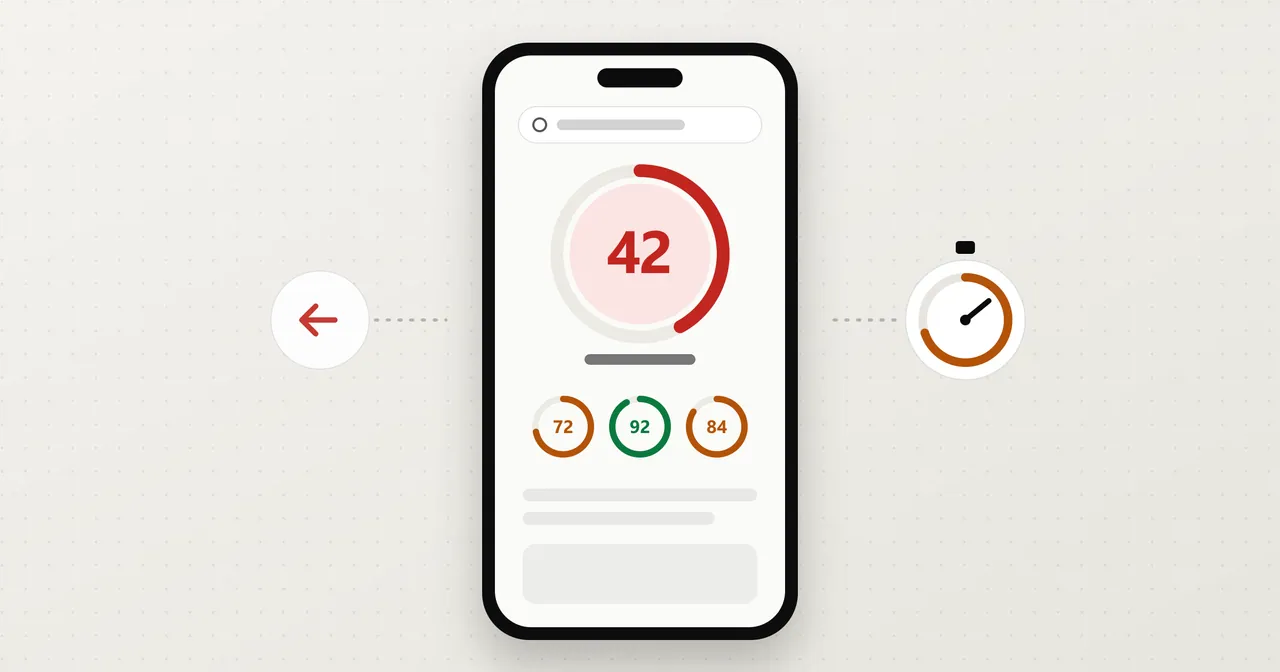
If you've ever had someone tell you your website "scored a 42," you probably nodded and moved on. It sounds like something for the person who built the site to worry about.
But that number is measuring something your customers feel. A page that takes forever to show up on a phone doesn't get a second chance, and the person who left never tells you why. If you'd like to see where your own site stands before reading further, you can run it through our free website audit. It takes about a minute.
What a Lighthouse score actually is
Lighthouse is a free tool from Google. It loads your page the way a mid-range phone on an average connection would, then grades what it finds. PageSpeed Insights, the page most people have heard of, runs Lighthouse under the hood and adds a bit of real-world data on top.
You get four scores out of 100, and here's what each one means in plain terms:
- Performance is how fast the page shows up and becomes usable. This is the one that usually looks worst, and the one customers feel most.
- Accessibility is whether people with poor vision, or who use a screen reader, or who just have a hard time reading small gray text, can actually use the page.
- Best Practices is a basic hygiene check. Is the connection secure, does the page throw errors, does it use outdated stuff.
- SEO is whether Google can read the page and understand what it is. It's not a ranking guarantee. It's a check that you haven't accidentally hidden yourself.
Roughly, 90 and up is good, 50 to 89 means there's room to improve, and below 50 means something is actively getting in the way.
Why a slow page loses people before they see anything
Think about how you use your own phone. You tap a result, and if nothing shows up, you hit back and tap the next one. You don't wait around to find out whether the first business was better.
Google has published research on this. A 2016 study from Google, which gets cited a lot, found that more than half of mobile visits were abandoned when a page took longer than three seconds to load. That number is from years ago, and phones and networks have changed, but nobody's patience has gotten longer.
So a slow site doesn't look like a bad site to the people who bounce. It looks like a blank screen, and then it looks like a competitor. You never see them in your inbox because they never got far enough to write to you. This is the same problem I wrote about in your website meets them before you do, just earlier in the process. The first impression can fail before there's anything to look at.
There's also a Google angle. Google has said page experience, including speed on mobile, is one of the signals it uses in ranking. It's a small signal next to things like relevance, so I wouldn't lose sleep over it. The bigger cost is the visitor who gave up.
Take any single score with a grain of salt
Run the same page twice and you'll often get different numbers, a few points apart. That's normal. Lighthouse is a lab test, and things like server load and the exact timing of what loads when change from run to run.
The lab test is also not what your customers experience. Real visitors have faster phones, slower phones, spotty cell service, and old browsers. PageSpeed Insights shows some real-world data at the top of its report when your site gets enough traffic, and a small local business often doesn't. When it's missing, the lab score is a reasonable guide, not a verdict.
So don't chase a perfect 100, and don't panic over a few points. What matters is the big picture: is the page clearly slow, and do the same problems show up every time?
What usually drags a site down
The same handful of causes show up again and again:
- Oversized images. A photo straight off a phone or a camera can be several megabytes. Shown at the size of a thumbnail, it still gets downloaded in full. This is the most common problem and one of the easiest to fix.
- Slow or shared hosting. If your site lives on the cheapest plan available alongside hundreds of others, the page can be slow before a single image loads.
- Scripts that load first. Chat widgets, tracking pixels, review badges, and embedded maps each add a little. When they load ahead of your actual content, the visitor stares at a blank page while they finish.
- Page-builder bloat. Drag-and-drop builders are convenient, but many ship a lot of code for features your page doesn't use. Each plugin adds more.
- Missing labels and alt text. This one shows up in the Accessibility score. Images with no description, buttons with no name, and low-contrast text are cheap to fix and help real people, and they help Google read the page too.
If you want a way to tell which of these is slowing your own site, why is my website slow walks through a few simple checks you can do on your phone.
What to fix first
If your score is rough, don't try to fix everything. Start here:
- Compress and resize your images. It's usually the biggest single win for the least effort.
- Look at what loads before your content. If a script isn't earning its keep, remove it or let it load after the page.
- Check your hosting. If the page is slow even with small images and few scripts, the server is the bottleneck, and no amount of tweaking will fix that.
- Add the missing labels. Quick, and worth doing regardless of the score.
The fixes in the middle of that list can get technical, and you may need help with them. Some of them, like images and labels, you can often do yourself. For what each item in a PageSpeed report means and how to fix it, see how to improve your PageSpeed score.
Where to start
Run your site through our free website audit and you'll get your four scores and the top fixes for your page, in plain English. If you'd rather have someone handle it, or you're finding that the site is slow because of how it was built, that's something we do as part of website development. Either way, I'd rather you know what your customers are running into than keep guessing.
If the results don't make sense, send them over and I'll take a look.
Nathan